Help bubbles
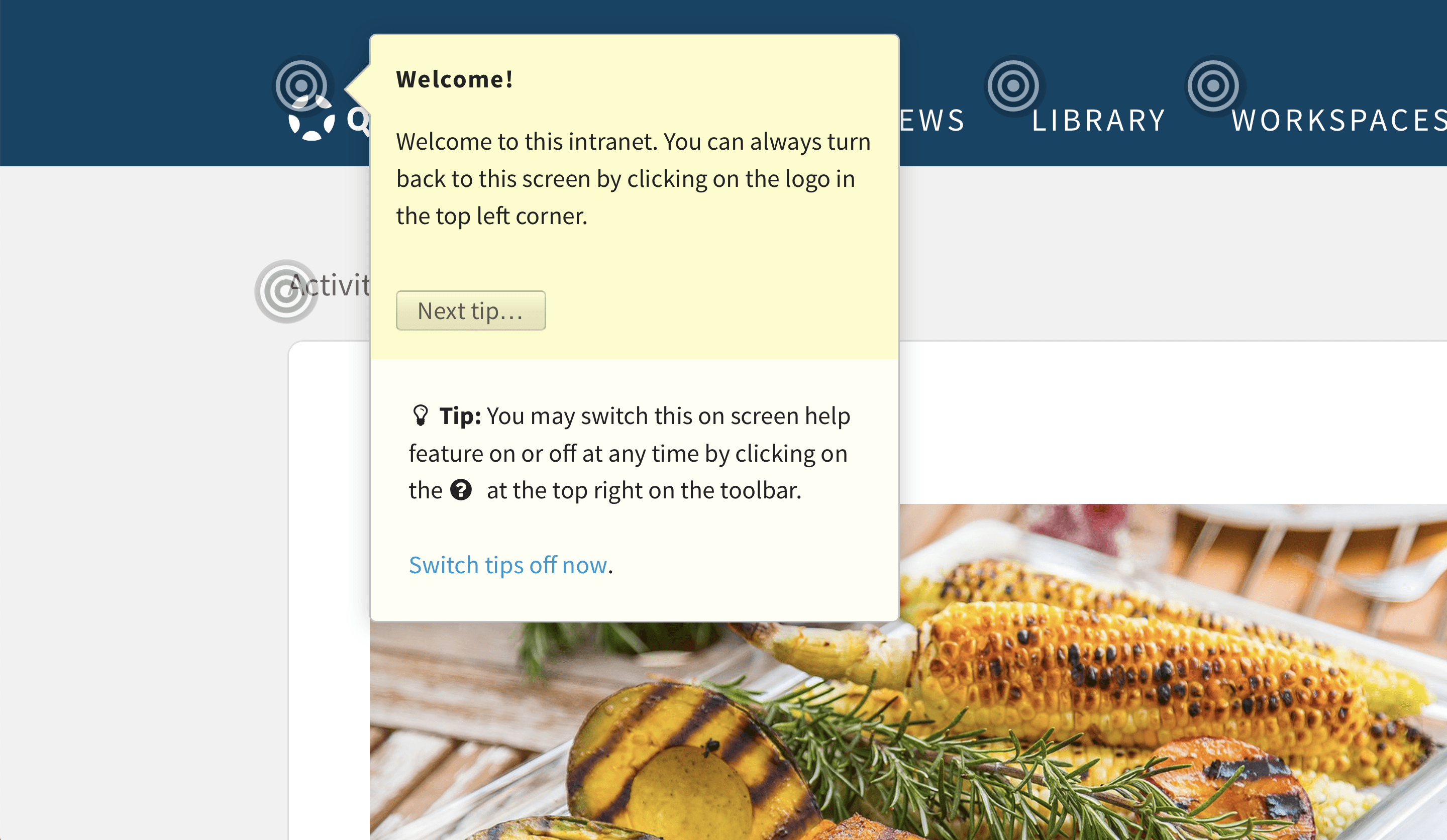
The on-screen help system has been improved. Switch it on by clicking on Help icon in the upper right corner of the screen. Clickable concentric circles will explain the user interface right within context.
The on-screen help system has been improved. Switch it on by clicking on Help icon in the upper right corner of the screen. Clickable concentric circles will explain the user interface right within context.
 Notifications
14
Messages 1
Notifications
14
Messages 1
Install this Web-App on your iPhone: Tap the share icon and select "Add to Home Screen".