Tip: Upload a profile image

Uploading your image gives a personalised experience and helps others to recognise or find you. Here is how it works…
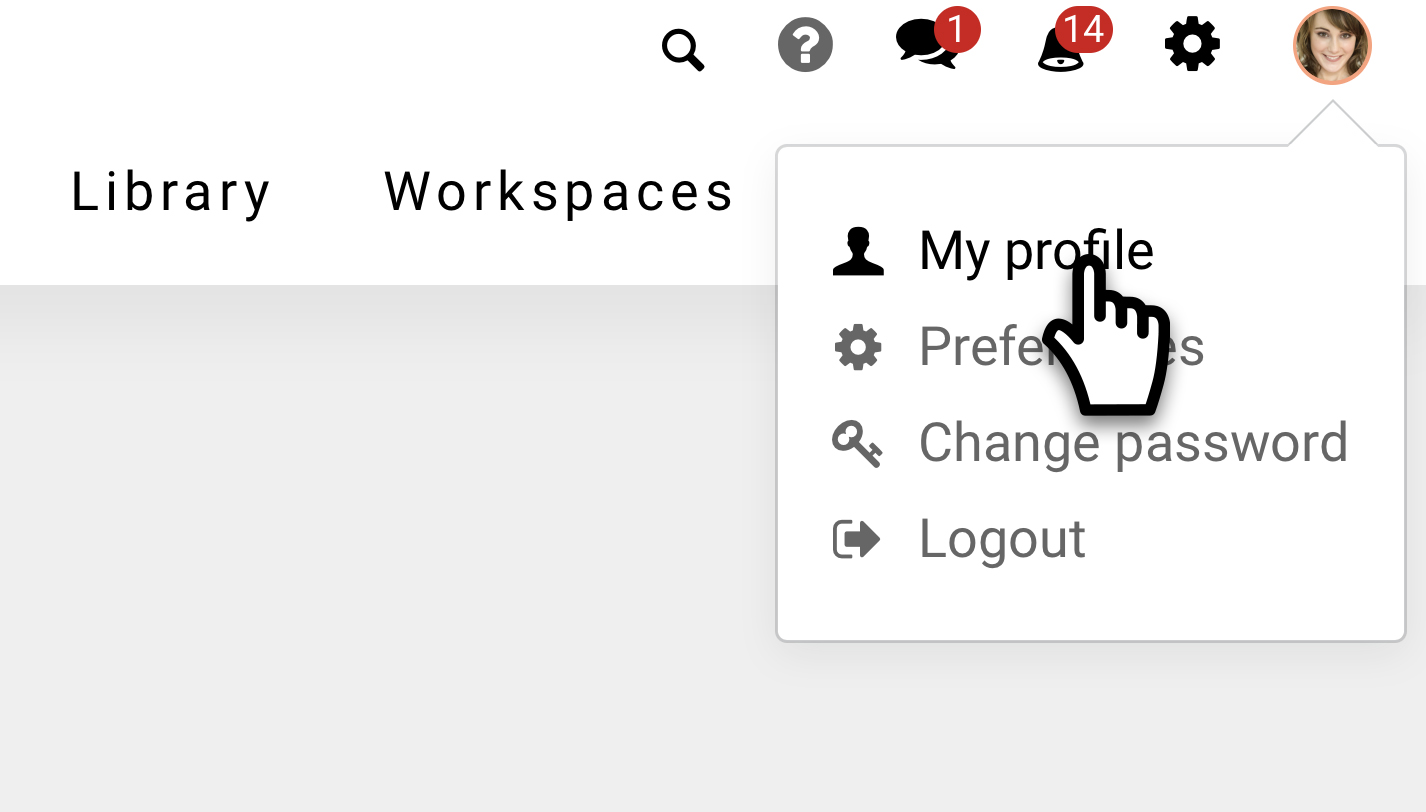
At the top right corner you’ll either an image of yourself or a generic silhouette of a user. Click on it and next click on ‘My profile’.
You will see your profile screen. This screen sums up the information about you as a person, such as your phone number, which workspaces you are a member of, etc. It also displays your profile image if you have one.
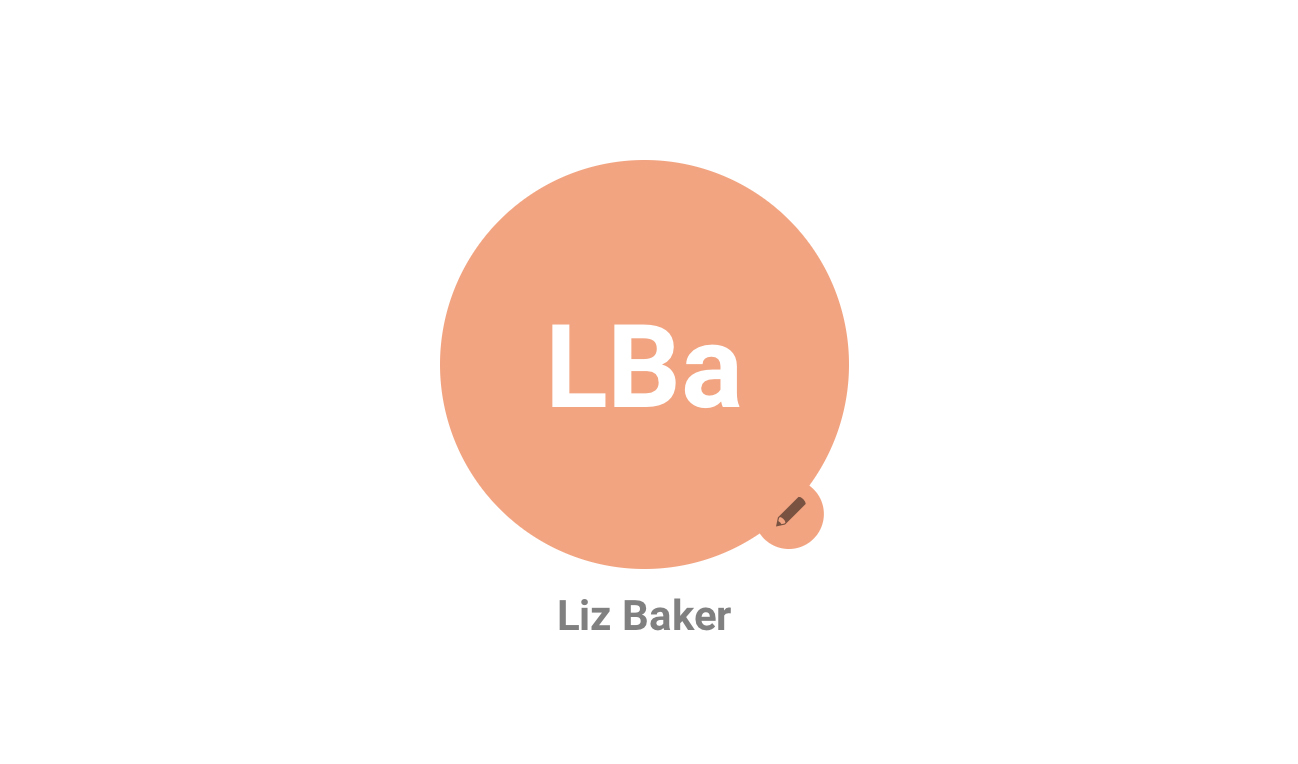
If you don’t have a user image, then click on the pencil icon. You’ll be asked to browse an image of yourself on your computer and upload it.
It’s recommended to select and image of a good quality as it maybe be displayed around the system at various sizes.
After you upload the image, start using the intranet as usual. After a few minutes, or after a refresh, your image will start to appear.